ADKOM Text Editor
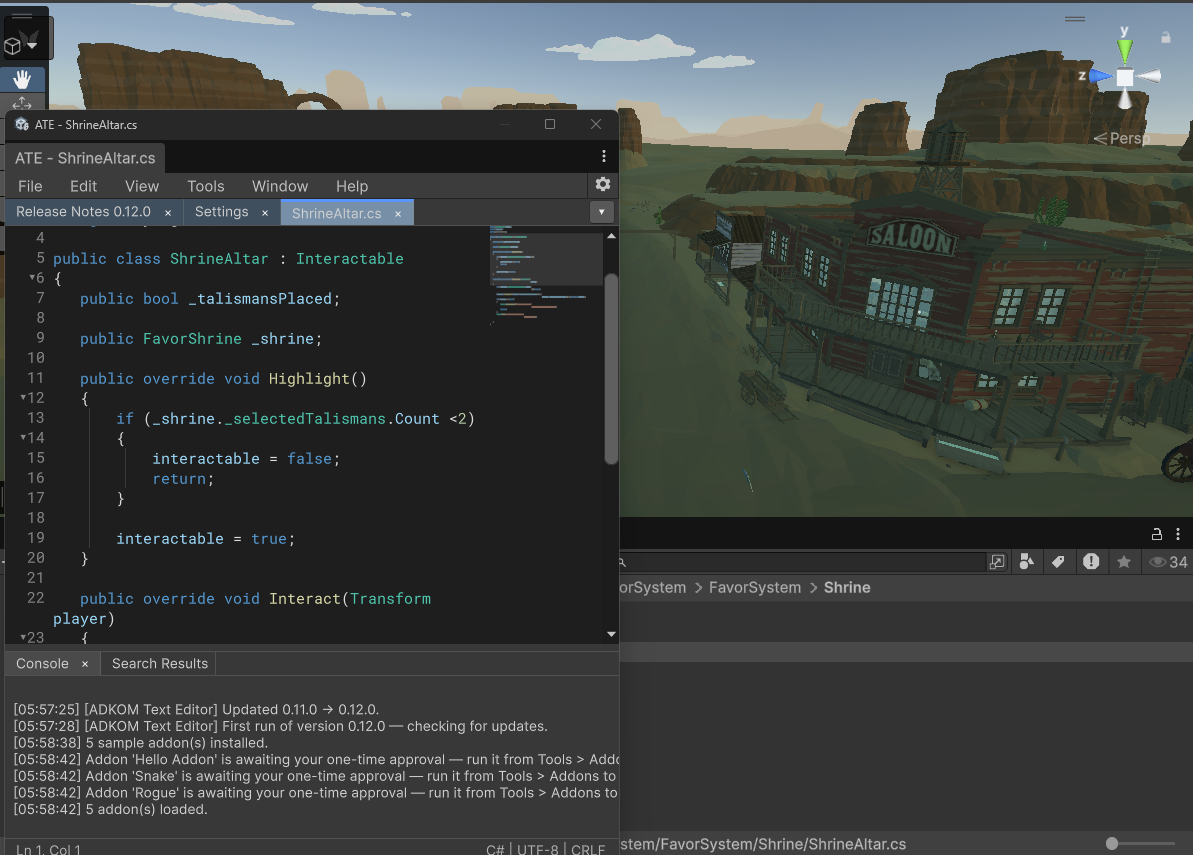
A real code editor, living right inside the Unity Editor. Stop alt-tabbing. Whether it's a quick tweak to a config file, a README edit, or browsing a script while your game runs, ATE gives you a fast, IDE-grade editing experience without ever leaving Unity — dockable, themeable, and tuned to feel like the editors you already know. 100% Editor-only: install it, use it every day, and your shipping product stays byte-for-byte identical.
ATE docked in a live Unity project
https://github.com/adkom-games/ADKOM_TextEditor.git#upm # latest
https://github.com/adkom-games/ADKOM_TextEditor.git#0.14.5 # pinned
Everything a real editor does
Fast at any size
Fully virtualized rendering keeps typing under 15 ms in 5,000+ line files.
Tabs, like a real editor
Drag-to-reorder tab strip with overflow arrows, jump-to-tab dropdown, tab tinting, dirty markers, and Recent Files.
Sessions that survive
Tabs, unsaved buffers, undo history, dialogs, and even running windows survive compiles, play mode, domain reloads, and restarts.
Your muscle memory works
Keyboard layouts and themes matching Visual Studio, VS Code, and JetBrains Rider — dark and light.
IntelliSense & live errors
Compiler-accurate member completion, live error and warning squiggles as you type, and read/write occurrence highlighting.
Roslyn semantics
Compiler-accurate colors, Go to Definition (F12), Find All References, Rename Symbol, Format Document — all editor-only, nothing in your builds.
Git, built in
Gutter change markers, blame, file history, stage/commit/push panel, and an interactive branch-history graph — using your system git.
Diff / Merge
Side-by-side diffs of files, folders, or tabs with intra-line highlighting, merge buttons, three-way merge — registrable as Unity's diff/merge tool.
Snippets & generators
Plain-text user snippets with live tab stops, 33 Unity message stubs via Generate Unity Method, and Override Method… with base calls.
Edit history, visually
A browsable undo/redo timeline — click any past edit to preview the document as it was, restore it, or open it as a new tab.
Inspect running code
Right-click a symbol to see live static values in play mode, edit writable fields in place, and run parameterless static methods.
Spell checking, optional
camelCase-aware spell check for comments, strings, and markdown with a 115k-word dictionary — plus Hunspell support and project dictionaries.
IDE editing
Multi-caret, column selection, auto-closing brackets, brace matching, code folding, indentation guides, Quick Open, bookmarks.
Markdown, both ways
Source coloring plus a rendered view — locked and read-only by default, click to edit — with clean plain-text selection and copy.
Find & replace, everywhere
One tabbed dialog: plain, escapes, or regex; Find in Files; and Replace in Files as a single operation with global undo across every touched file.
AI, both flavors
GitHub Copilot inline ghost text (BYO subscription) and Ask Unity AI on any selection or document.
External Script Editor
Selectable as Unity's external editor — opens files at the exact line and column.
Respects your files
Preserves indentation, line endings (CRLF/LF/CR), and UTF-8 BOMs. Your files stay byte-for-byte yours.
Speaks your language
Localized UI: Japanese, Korean, Simplified and Traditional Chinese — follows the Unity Editor language.
Script it
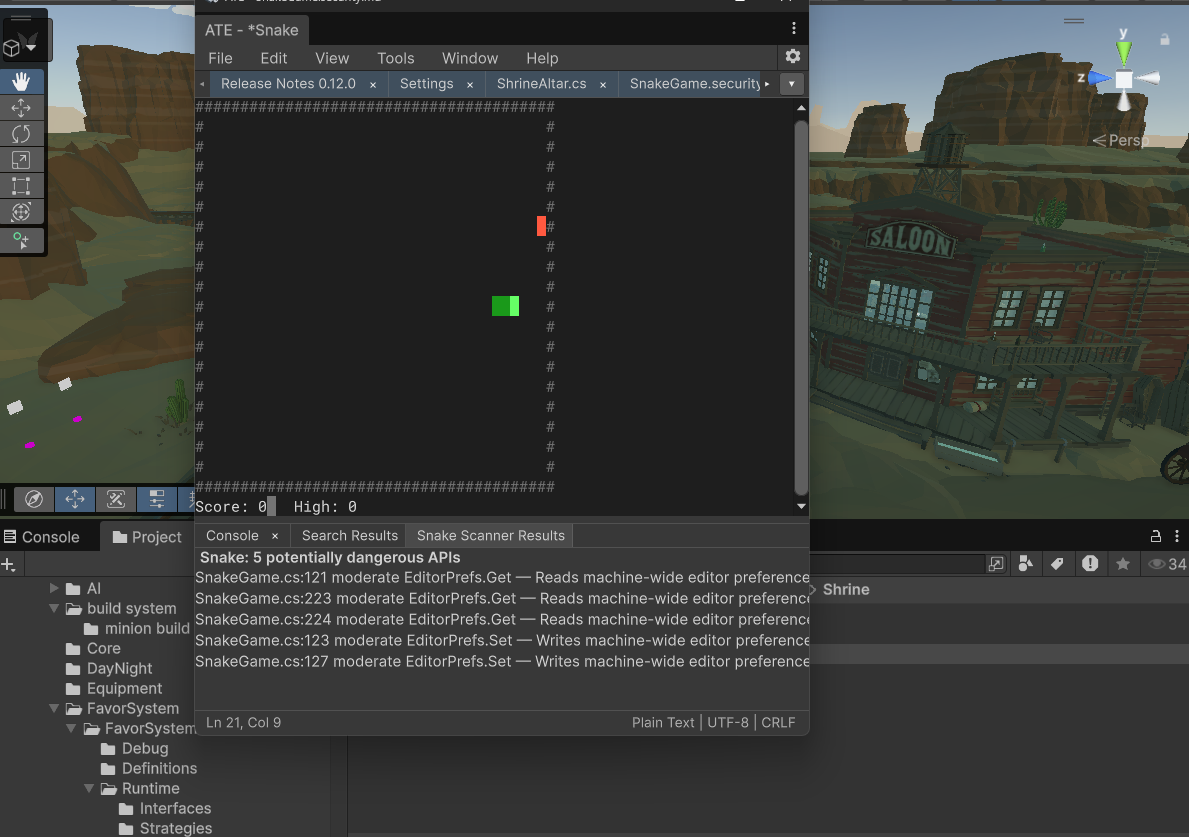
Stable scripting API (AteApi 1.3) with a Package Manager sample, plus folder-based Roslyn-compiled addons with security scanning and one-time approval.
Plays games — if you ask
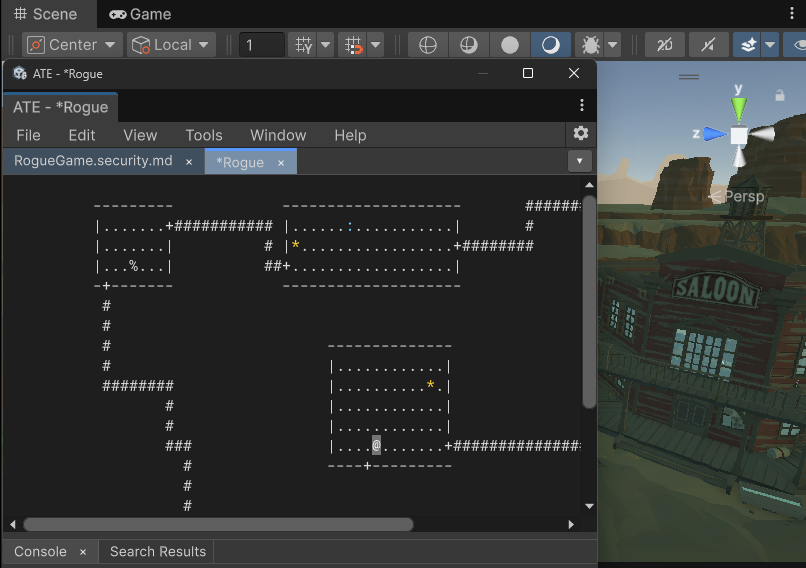
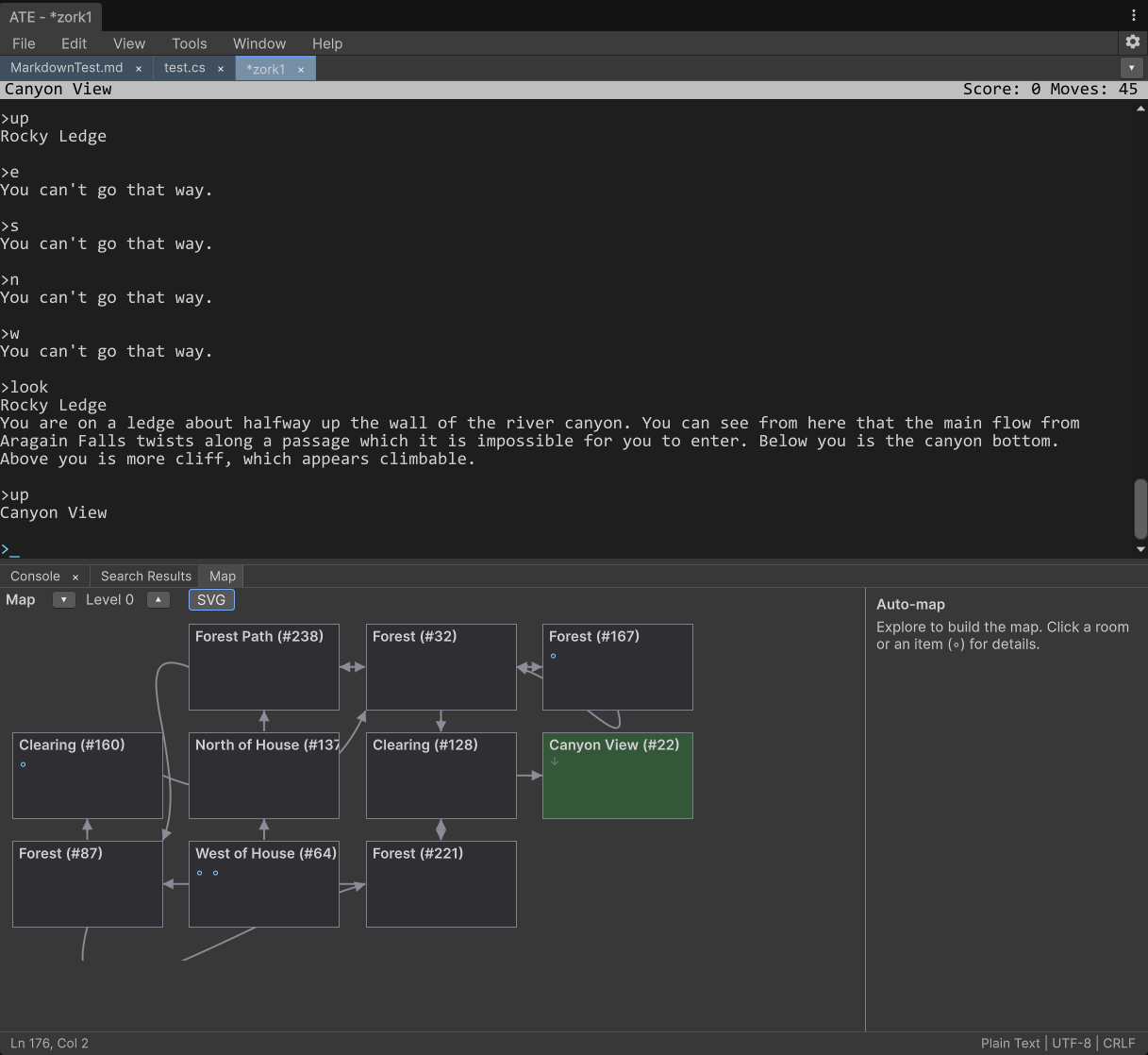
An opt-in extra: Snake, a faithful Rogue 5.4.4, and a Z-Machine that plays Zork with an auto-drawn world map. Off by default — ATE is a work tool first.
Stays current
Update checks against GitHub Releases with one-click install and release notes after each update.